The physics of the process: key differences in approach
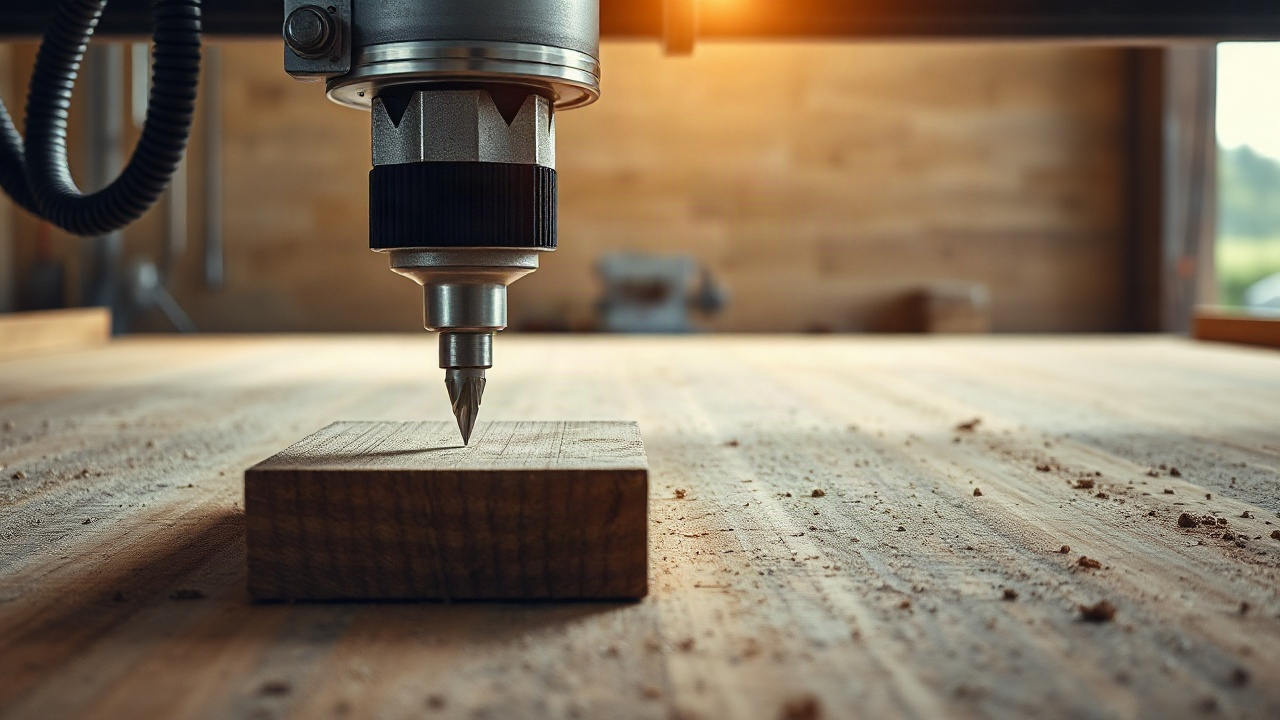
When it comes to choosing between a laser and a router, it is important to understand the fundamental difference in the mechanics of how they act on the material. A laser machine uses a concentrated beam of light that heats the surface to vaporisation or melting temperature. This is a non-contact method, in which the only tool is photonic energy. The absence of mechanical pressure makes it possible to work with extremely fragile or flexible blanks without deforming them. However, the thermal action inevitably leaves a trace: the edge may char, melt or change its chemical composition, which is critical for certain polymers.
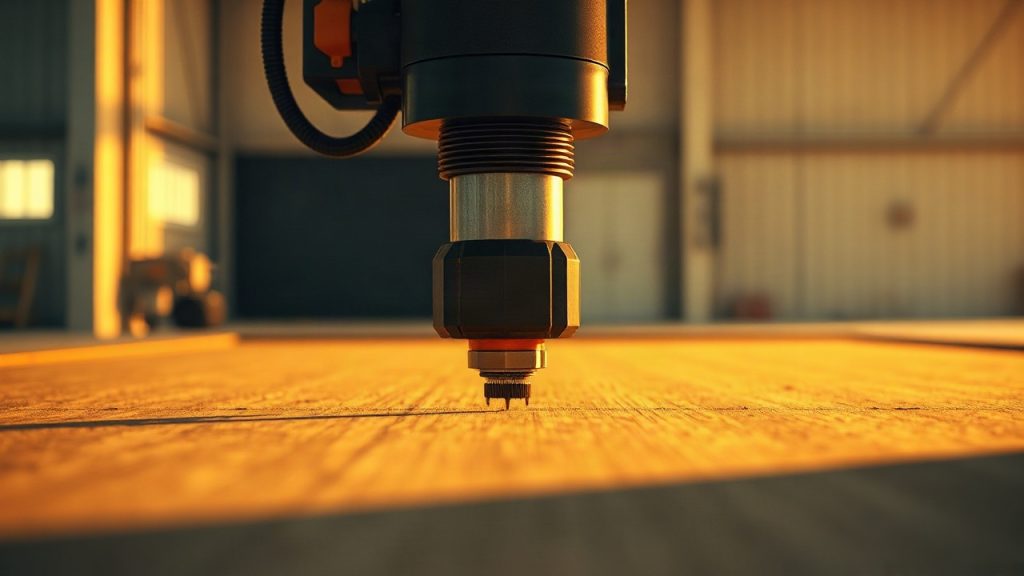
A router (CNC machine) is a classic example of mechanical processing. A rotating cutter physically shears off layer after layer, turning the excess into chips. Here forces of resistance, torque and vibration come into play. The machine requires the workpiece to be rigidly fixed, since the tool exerts considerable pressure on it. Unlike a laser, a router does not heat the material to critical temperatures (provided cooling is correct), which preserves the original colour and structure of the edge, especially on wood and metal.
The choice of method is dictated not only by the desired result but also by the behaviour of the material under load. The laser is ideal where contact must be excluded, and the router where structural integrity and the absence of thermal burns matter. A laser beam always has a conical shape, however faintly, while a cutter produces a strictly vertical cut throughout the entire depth. This difference becomes decisive when making grooved joints, where the accuracy of the geometry determines the strength of the whole assembly.
Interestingly, modern production facilities rarely limit themselves to a single type of equipment. Combining technologies makes it possible to offset the shortcomings of each. For example, a laser can quickly cut out thin elements, while a router hogs out grooves or takes a chamfer. Understanding the physics of the process helps avoid mistakes as early as the design stage of the layout, adapting it to the capabilities of the specific tool.
When working with a laser, it is important to take the optical density of the material into account. Transparent materials such as ordinary glass may simply let the beam pass through without absorbing its energy, which makes processing impossible without special coatings. A router, by contrast, is completely indifferent to transparency — it is guided solely by hardness and toughness. This is precisely why both methods suit transparent acrylic, but the visual effect will differ: the laser gives a glossy edge, the router a matte one that requires polishing.
Materials science: what to cut and with what
The list of materials within the reach of these two types of machine overlaps only partially. Laser cutting copes superbly with organics: wood, plywood, leather, fabric, paper and cardboard. Acrylic (Plexiglas) stands apart — after the laser it acquires a perfectly smooth, transparent edge that needs no finishing. However, the laser fails with PVC and materials containing chlorine, because their combustion releases toxic gases capable not only of poisoning the operator but also of destroying the machine’s own electronics through corrosion.
A router is more versatile in terms of material chemistry. It easily handles composites (Dibond, Alucobond), non-ferrous metals (aluminium, brass, copper), dense plastics and even stone with the appropriate tooling. A router is indispensable for machining MDF and plywood of large thicknesses, where a laser would simply begin to char the wood, unable to vaporise it deep within the cut. Mechanical processing makes it possible to work with materials that are sensitive to heat, such as certain kinds of polystyrene.
There is a segment of materials considered “difficult” for both technologies. High-carbon steels, for example, require very powerful fibre lasers that cost an order of magnitude more than ordinary CO2 units. At the same time, milling hardened steel is a process that demands extremely expensive tooling and a colossally rigid bed. That is why, when choosing equipment, you should first draw up a list of the 80% of your typical orders by material.
- Acrylic: Laser (glossy cut) or router (matte cut).
- Metal: Fibre laser (thin sheet) or router (three-dimensional parts).
- Wood: Laser (decor, fine details) or router (furniture, deep carving).
- Leather and fabric: Laser only.
- Stone and composite: Router only.
Thickness must be kept in mind. For a CO2 laser, the sensible limit for wood ends at 15–20 mm, because beyond that the focal spot smears out and the heat-affected zone (charring) becomes critical. A router, meanwhile, can machine parts tens of centimetres thick, limited only by the cutter’s reach and the height of the machine’s gantry. This makes the router the undisputed leader in the production of furniture and large-format structures.
Precision and detail: the microcosm versus the macrocosm
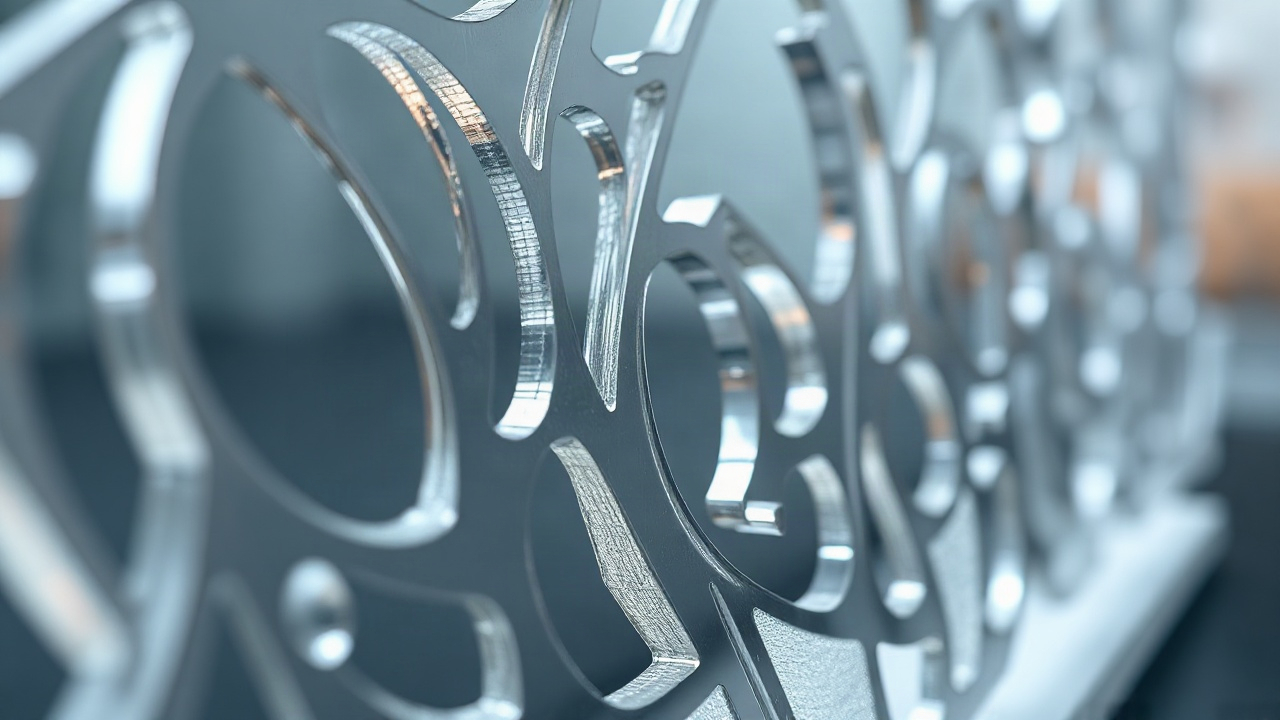
If your task is to create jewellery from wood, intricate openwork packaging or an engraved portrait, the laser has no rival. The thickness of the laser beam is a fraction of a millimetre (usually 0.1–0.3 mm). This makes it possible to cut patterns that are physically impossible to reproduce with a cutter. The laser can render sharp internal corners with a fillet radius tending to zero, which is vital for inlay work and fine grooves.
A router has an inherent limitation — the diameter of the tool. The minimum diameter of a cutter fit for work is usually 1–2 mm (smaller ones exist, but they are extremely fragile). This means that any internal corner will have a fillet radius equal to the radius of the cutter. If you are designing a dovetail joint or simply a rectangular groove for an insert, on a router you will have to add extra relief cuts (so-called “dogbones”) so that the parts fit together. The laser, by contrast, will make that corner perfectly sharp with no extra moves.
On the other hand, precision in depth (the Z coordinate) is the router’s element. In most cases the laser works “all the way through” or makes surface engraving of uncontrolled depth, dependent on the density of the wood fibres at any given point. A router lets you remove exactly 2.5 mm of material with an accuracy of microns across the entire plane. This makes it the only choice for creating 3D reliefs, icons, bas-reliefs and functional recesses in the parts of mechanisms.
The repeatability of items on both types of machine is extremely high thanks to CNC control. It should be noted, however, that a laser machine is less prone to accumulating errors, because there is no mechanical tool wear during a single cutting cycle. A cutter can go blunt, begin to “push” the material away or vibrate, which affects surface cleanliness. A laser beam is stable as long as the optics are clean and the emitter is sound, which simplifies quality control over long runs of small items.
Speed and productivity in different scenarios
Comparing the speed of a laser and a router is an eternal debate in which the answer depends on the geometry of the item. When cutting thin sheet materials (3–4 mm plywood, cardboard, thin plastic), the laser moves at a speed unattainable for a router. Its light “head” has minimal inertia, which allows it to change trajectory quickly. A laser machine wastes no time plunging into the material — it simply switches on and begins the cut.
However, the situation changes dramatically as thickness or density increases. To cut 15 mm plywood, a laser will need several passes at low speed, and the edge will come out black and “dirty”. A router with a power of 3–4 kW will follow the same trajectory in one or two passes at a high feed rate, delivering a clean cut. On an industrial scale, the router wins wherever you need to remove large volumes of material quickly or work with large-format sheets of 2 by 3 metres.
| Criterion | Laser machine (CO2) | Router (CNC) |
|---|---|---|
| Speed on thin materials | Very high | Medium |
| Speed on thick materials | Low / Impossible | High |
| Complexity of the contour | Extremely high | Limited by the cutter radius |
| Photo engraving | Available (raster) | Unavailable / Slow (3D) |
| 3D machining | No | Yes (full relief) |
An important productivity factor is set-up. A router requires the blank to be securely clamped: a vacuum table, clamps or screws. This takes time. A laser needs almost no fixing — the part simply lies on a honeycomb or slat table under its own weight, since no mechanical forces act on it. For small souvenirs, where blanks are swapped every 5 minutes, the laser saves a colossal amount of time on ancillary operations.
The economics of ownership: consumables and maintenance

The cost of operation is not only the electricity bills. In a laser machine, the main consumable is the laser tube. It has a limited service life (from 2000 to 10000 hours) and gradually loses power. In addition, the mirrors and lenses require periodic replacement, as they can crack from overheating or become fouled with soot. The cooling system (chiller) also requires attention and the use of distilled water to avoid scale forming inside the costly emitter.
A router has different economics. Here the main cost item is the cutters. These are consumables in the purest sense: they go blunt, break through operator error, or simply wear out. Quality cutters for finishing work can be expensive, and you need a whole arsenal of them for different tasks. In addition, the machine’s spindle is a heavily loaded unit whose bearings have their own service life and require replacement once runout appears.
A router’s energy consumption is usually higher because of the powerful drive motors and the extraction system (chip removal). A laser consumes less, but requires powerful extraction to remove smoke, which also adds figures to the electricity bill. In terms of the ecology of the workplace, a laser is considered “cleaner” in respect of waste (all the material is vaporised or turned to ash), but more demanding in respect of air filtration. A router, meanwhile, generates mountains of chips and dust that penetrate every crack if the extraction system cannot cope.
Servicing a router is more often connected with mechanics: lubricating the guideways, checking belt tension or the condition of the ball screws. A laser requires alignment — the precise adjustment of the beam’s path through the system of mirrors. If the machine is budget-grade and its bed “wanders”, the alignment will have to be done frequently, which turns into an art form of its own. A router is more predictable in this respect: once the geometry is set, it holds for a long time thanks to the rigidity of the construction.
3D capabilities: where the plane ends
The main advantage of the router, which the laser can never dispute, is full three-dimensional machining. A router works in three axes (X, Y, Z), which makes it possible to create smooth transitions, spheres, concave surfaces and complex topological objects. Wood carving, making casting moulds, creating prototypes of electronics housings — all of this is the router’s domain. You can use ball-nose cutters to obtain perfectly smooth curved surfaces, imitating the handwork of a master.
The laser is essentially a “2.5D” tool. It can cut along a contour and engrave. Some modern controllers allow engraving with variable power, creating a slight recess (so-called 3D raster), but this is only an imitation of depth. You cannot cut a sphere or an inclined plane with a laser. The laser beam is always directed perpendicularly (or at a fixed angle in 5-axis systems) and cannot “hog out” the material beneath it the way a cutter does.
For those engaged in furniture making, the router makes it possible to create complex grooves, tenons and seats for fittings. The laser is useless here, as it cannot make a blind hole with a flat bottom of a set depth. In joinery, the router replaces a dozen hand tools, while the laser remains a tool for decorating fronts or cutting out thin overlays.
Nevertheless, in architectural model-making the laser often wins. It is simpler and faster to create a detailed model of a building from cardboard or thin plastic with a laser. Joining walls, imitating brickwork with engraving, cutting out window frames — all of this is done in a matter of minutes. On such small, thin tasks a router would break the blank or leave marks that are too coarse. So the choice often depends on scale: for large objects — the router, for miniatures — the laser.
Cleanliness and post-processing: a look at the result
After laser cutting of wood or plywood, the edge always has a dark colour. This is a charred layer of carbon. For many decorative items this is considered a plus, as it emphasises the contour. But if the item is to be painted in light tones or coated with clear lacquer without changing the colour, this char must be removed by sanding. With acrylic the situation is reversed: the laser gives a “flame polish”, and the edge comes out mirror-smooth and transparent straight off the machine. A router leaves a matte “ripple” on acrylic that has to be polished for a long time with pastes to make it transparent.
When working with metal, a (fibre) laser leaves a very clean cut with minimal burr, which is easily removed. A router, when machining aluminium, can leave burrs and tool-pass marks. A router, however, allows you to chamfer, countersink holes and cut threads right during the process. A laser only cuts the contour, and all the other operations will have to be done on other machines or by hand.
Fabrics and leather do not fray after the laser, because the edge is melted and “sealed”. This is a huge advantage for the light industry. A router (or rather its variant — a flatbed plotter with an oscillating knife) cuts fabric mechanically, and the edge can begin to fray. At the same time, when cutting natural leather the laser gives off a specific smell of burnt hair that can linger in the material for weeks, requiring lengthy airing or the use of chemical odour absorbers.
Sawdust is also worth mentioning. A router produces it in enormous quantities. Even with a vacuum in place, some of the dust settles in the room. If your production is located in an office building or a clean room, a router will become a source of problems. A laser is tidier in this respect: all the smoke goes up the flue. But if the filtration of the laser’s exhaust is poorly arranged, your building neighbours will very quickly come knocking with complaints about the smell of burning.
A checklist for making the choice: seven questions before buying
To avoid a mistake in choosing equipment, it is worth honestly answering a series of practical questions that will determine the future configuration of your workshop. Entrepreneurs often make the mistake of buying a machine “to grow into” or focusing only on price, forgetting the specifics of their own orders.
- What is the main material? (Metal and stone — router; leather and fabric — laser; wood and plastic — both, look at the thickness).
- Is 3D machining needed? (If yes — router only).
- Does detail finer than 1 mm matter? (If yes — laser only).
- What is the allowable material thickness? (Over 20 mm for wood — a router is better).
- Are there requirements for the edge colour? (If you need a light edge on wood without sanding — router).
- Where will the machine stand? (A laser with good extraction is easier to keep in an office, a router in a workshop).
- What is the budget for consumables? (Are you prepared to replace expensive laser tubes, or would you rather buy cheap cutters frequently?).
Often the optimal solution turns out to be buying both machines, but of different classes. For example, a large, powerful router table for the main cutting and a compact laser engraver for the finishing decoration and branding of products. Such a pairing covers 99% of the needs of any souvenir or furniture workshop. Dividing the tasks means you do not load the expensive laser with rough work or force the router to perform the jeweller-like tasks it is not suited to.
In the end, the choice between a laser and a router is not a choice of the “best” machine, but a choice of the right tool for the specific task. The laser means speed, elegance and work with fine materials. The router means power, volume and versatility in working with hard materials. A careful analysis of your future products will help you make an investment that pays for itself as quickly as possible.